Hi, I'm Jayachandra!

Hi, I'm Jayachandra!

UX Designer

UX Research

Product Design

Branding

Collaborative Team Player

UX Designer

UX Research

Product Design

Branding

Collaborative Team Player

✦ SCROLL DOWN ✦ AND KNOW ME BETTER
Profile Picture
✦ SCROLL DOWN ✦ AND KNOW ME BETTER
Profile Picture
✦ SCROLL DOWN ✦ AND KNOW ME BETTER
Profile Picture

Empathy for Humans through Design

Empathy for Humans through Design

About Me

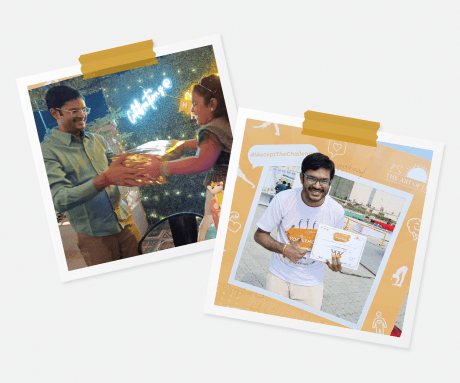
Greetings! I'm Jayachandra, and I navigate the exciting world of user experience design, where everything serves a purpose. Combining a deep understanding of users, business and technology with a knack for transforming research insights into interfaces, I approach each project with a passion to craft something truly usable and enjoyable.

My user experience design journey began with a solid foundation in design principles, meticulously honed through 4 years of formal education. I hold a Bachelor’s degree in Design from Indian Institute of Technology, where I not only acquired design expertise but also developed a profound appreciation for the beautiful union of aesthetics and functionality.

I have about 15 years of experience designing enterprise and consumer applications, ranging from desktop, web, mobile and other touchpoints. Apart from having a deep empathy for users via user research and design thinking tools, my arsenal of design tools includes Figma, Adobe XD, Axure, Sketch etc.When I'm not designing user experiences, you can find me having deep empathy for humans, spending time with family or into yoga, meditation and healing.


My Design Stack

Figma serves as my go-to tool for creating interactive prototypes. I use it to bring designs to life, allowing stakeholders to experience the user flow and interactions before development begins. It's invaluable for refining the user experience.

Figma

Figma serves as my go-to tool for creating interactive prototypes. I use it to bring designs to life, allowing stakeholders to experience the user flow and interactions before development begins. It's invaluable for refining the user experience.

Figma

Tap to flip

Figma serves as my go-to tool for creating interactive prototypes. I use it to bring designs to life, allowing stakeholders to experience the user flow and interactions before development begins. It's invaluable for refining the user experience.

Figma

Tap to flip

Adobe XD offers highest level of customization for design components and prototypes. Bundled with creative cloud, it offers a great eco system of design tools, plug-ins and also boasts the largest community of designers.

Adobe XD

Adobe XD offers highest level of customization for design components and prototypes. Bundled with creative cloud, it offers a great eco system of design tools, plug-ins and also boasts the largest community of designers.

Adobe XD

Tap to flip

Adobe XD offers highest level of customization for design components and prototypes. Bundled with creative cloud, it offers a great eco system of design tools, plug-ins and also boasts the largest community of designers.

Adobe XD

Tap to flip

Sketch is my collaborative design platform of choice. I utilize it to work seamlessly with team members, facilitating real-time feedback and design iterations. Its cloud-based approach streamlines the design process.

Sketch

Sketch is my collaborative design platform of choice. I utilize it to work seamlessly with team members, facilitating real-time feedback and design iterations. Its cloud-based approach streamlines the design process.

Sketch

Tap to flip

Sketch is my collaborative design platform of choice. I utilize it to work seamlessly with team members, facilitating real-time feedback and design iterations. Its cloud-based approach streamlines the design process.

Sketch

Tap to flip

Invision serves as my go-to tool for creating interactive prototypes while working with Sketch. I used it when Sketch didn't have it's own cloud and interactive prototyping features. The Studio is invaluable while creating design systems.

Invision

Invision serves as my go-to tool for creating interactive prototypes while working with Sketch. I used it when Sketch didn't have it's own cloud and interactive prototyping features. The Studio is invaluable while creating design systems.

Invision

Tap to flip

Invision serves as my go-to tool for creating interactive prototypes while working with Sketch. I used it when Sketch didn't have it's own cloud and interactive prototyping features. The Studio is invaluable while creating design systems.

Invision

Tap to flip

Mural is a great collaboration tool in the discovery phase of any project. Great for my initial user research, brainstorming and for collaborative design thinking activities.

Mural

Mural is a great collaboration tool in the discovery phase of any project. Great for my initial user research, brainstorming and for collaborative design thinking activities.

Mural

Tap to flip

Mural is a great collaboration tool in the discovery phase of any project. Great for my initial user research, brainstorming and for collaborative design thinking activities.

Mural

Tap to flip

Axure is by far the most rapid prototyping tool I have used. I use it when the stakeholders need to see rich prototypes along with complex data, as real as it can get to.

Axure

Axure is by far the most rapid prototyping tool I have used. I use it when the stakeholders need to see rich prototypes along with complex data, as real as it can get to.

Axure

Tap to flip

Axure is by far the most rapid prototyping tool I have used. I use it when the stakeholders need to see rich prototypes along with complex data, as real as it can get to.

Axure

Tap to flip

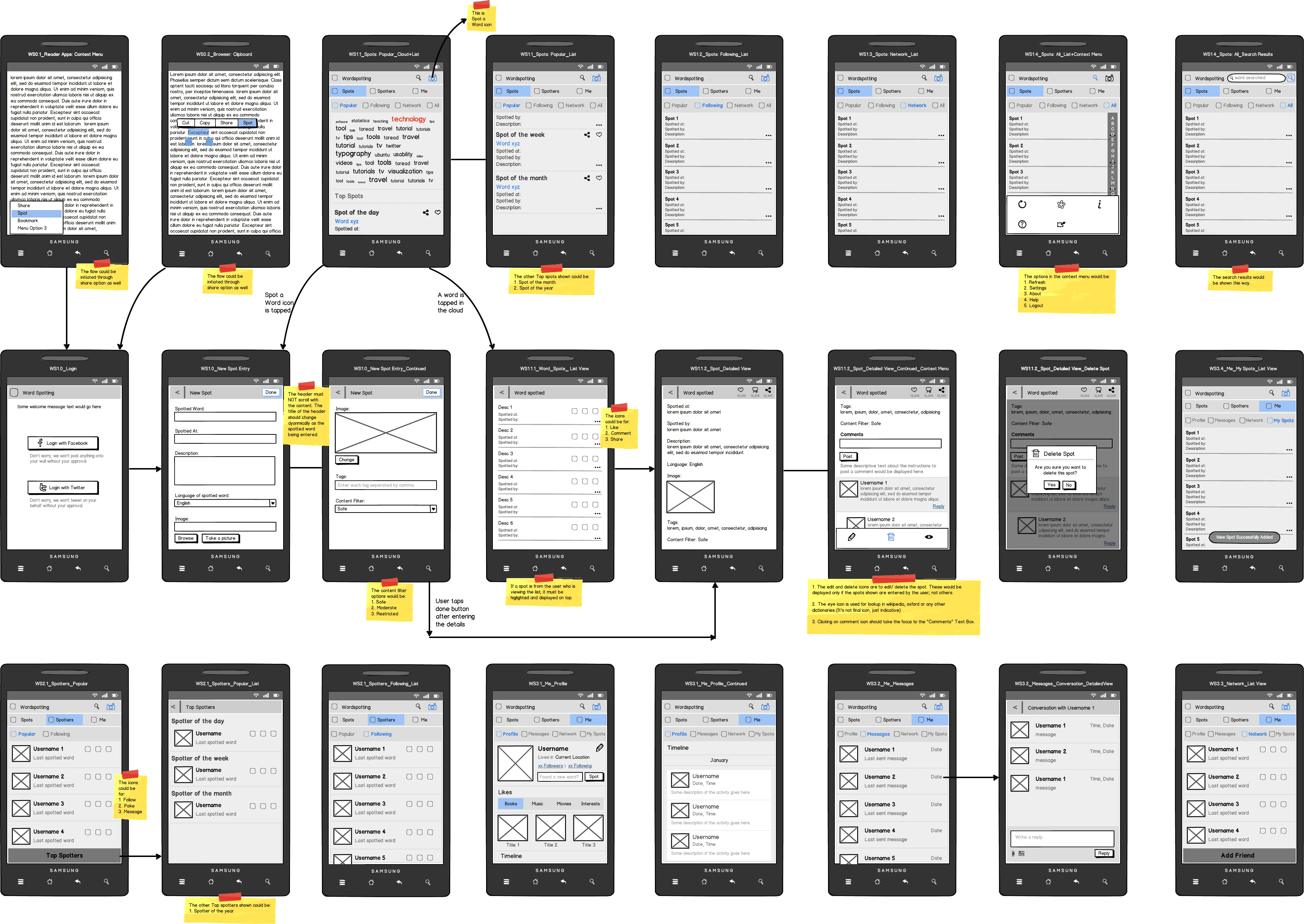
Balsamiq is my go to tool for wireframing. I like it's no nuisance simple and minimal UI. Great to use when the stakeholders need to finalize the UI flows without being distracted by the detailed visual designs.

Balsamiq

Balsamiq is my go to tool for wireframing. I like it's no nuisance simple and minimal UI. Great to use when the stakeholders need to finalize the UI flows without being distracted by the detailed visual designs.

Balsamiq

Tap to flip

Balsamiq is my go to tool for wireframing. I like it's no nuisance simple and minimal UI. Great to use when the stakeholders need to finalize the UI flows without being distracted by the detailed visual designs.

Balsamiq

Tap to flip

Photoshop is the ultimate visual design tool. Packed with all the features a visual designer would ever need, it's 3d enhancements and macros are highly useful for complex designs requiring highest attention to detail.

Adobe Photoshop

Photoshop is the ultimate visual design tool. Packed with all the features a visual designer would ever need, it's 3d enhancements and macros are highly useful for complex designs requiring highest attention to detail.

Adobe Photoshop

Tap to flip

Photoshop is the ultimate visual design tool. Packed with all the features a visual designer would ever need, it's 3d enhancements and macros are highly useful for complex designs requiring highest attention to detail.

Adobe Photoshop

Tap to flip

Zeplin is a collaborative tool for sharing the UX visual specifications with a large group of developers. Also useful for sharing with QA team members to test the UI developed against the designs.

Zeplin

Zeplin is a collaborative tool for sharing the UX visual specifications with a large group of developers. Also useful for sharing with QA team members to test the UI developed against the designs.

Zeplin

Tap to flip

Zeplin is a collaborative tool for sharing the UX visual specifications with a large group of developers. Also useful for sharing with QA team members to test the UI developed against the designs.

Zeplin

Tap to flip